Importing data and the importance of marrying it correctly with appropriate variables within systems
EasyPractice develops web-based clinic management software and provides it to their users on a software-as-a-service basis. At its core, the system represents clinic-specific functionality wrapped around a client relationship management facility. Some of the additional functionality that users can enable are things like online booking, journaling and online payments. EasyPractice strives to ease the operational pressure of running a small business for clinicians and other professionals.

The environment in which EasyPractice operates is highly competitive and, as a result, clinicians and professionals are often moving between systems. As a result of this, a heightened sense of value is placed on the portability of their data; especially because of the value that it represents to them in terms of client relationships.. This, coupled with the recent trend of moving from desktop to cloud-based solutions has increased the importance of being able to offer useful data importing and exporting tools to users or potential users.
Since before my time at EasyPractice, users have had the ability to import client data. EasyPractice’s importing tool, however, was not the most user-friendly and was not as seamless of a user experience as it could have been. Prior to beginning an import, the user would need to match their column names and data to the exact labels and column layout that EasyPractice had prescribed. The user would then import the data and, if they had made any mistakes in the process, had no way to undo what they had done. This process has many shortcomings and unintended outcomes, but the core of the issue is that imports were not user-friendly.

Problem Statement: Users do not have an elegant way to import their client data with the assurance that it will reflect in their EasyPractice system as intended.
My approach to solving this problem was relatively straightforward. The import problem is not a novel one. It has been solved before and elegant, user-friendly solutions have been developed. The important consideration for me was ensuring that these solutions aligned with the overall user experience within the existing system, so that there was continuity and consistency throughout. This wasn’t a difficult endeavour for me because EasyPractice had already offered similar functionality elsewhere; to which the function of client imports could be closely mirrored.
Over the next few days I dissected the pre-existing, comparable functionality in order to understand where it would diverge from the client import functionality. The point that stuck out to me most was that client data represented a core set of immutable information. It became clear to me that client data being imported into the system for the first time held a certain unmatched level of importance to the user importing it.
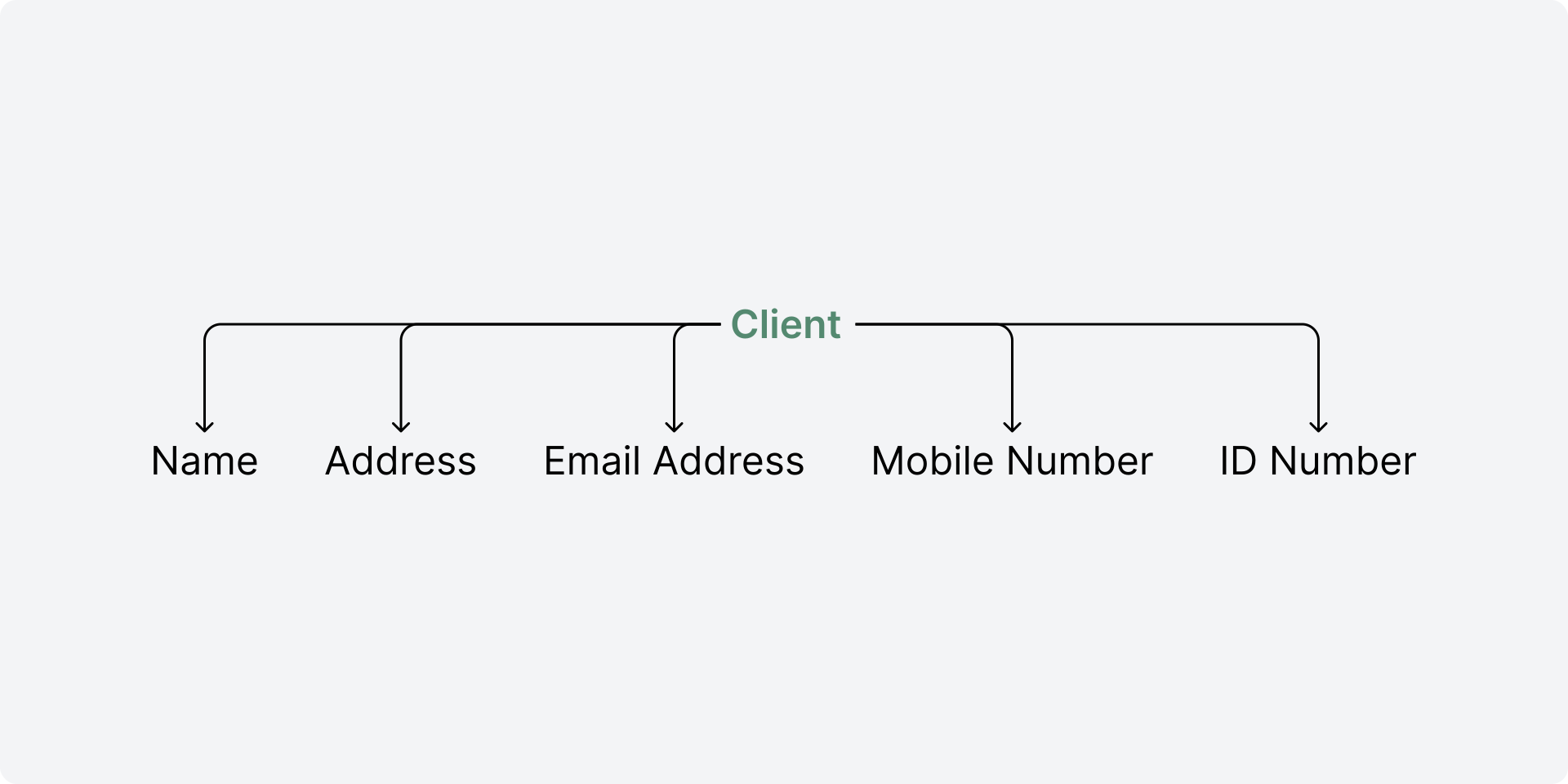
Having dissected client journal imports and weighed up the importance of the fields that I would need to import, I put a flow together for importing client data into EasyPractice. The flow was a simple four step flow: File, match, review, import. The steps in this flow are fairly self explanatory, but I’m going to break them down to represent where improvements were made against the earlier client import functionality.
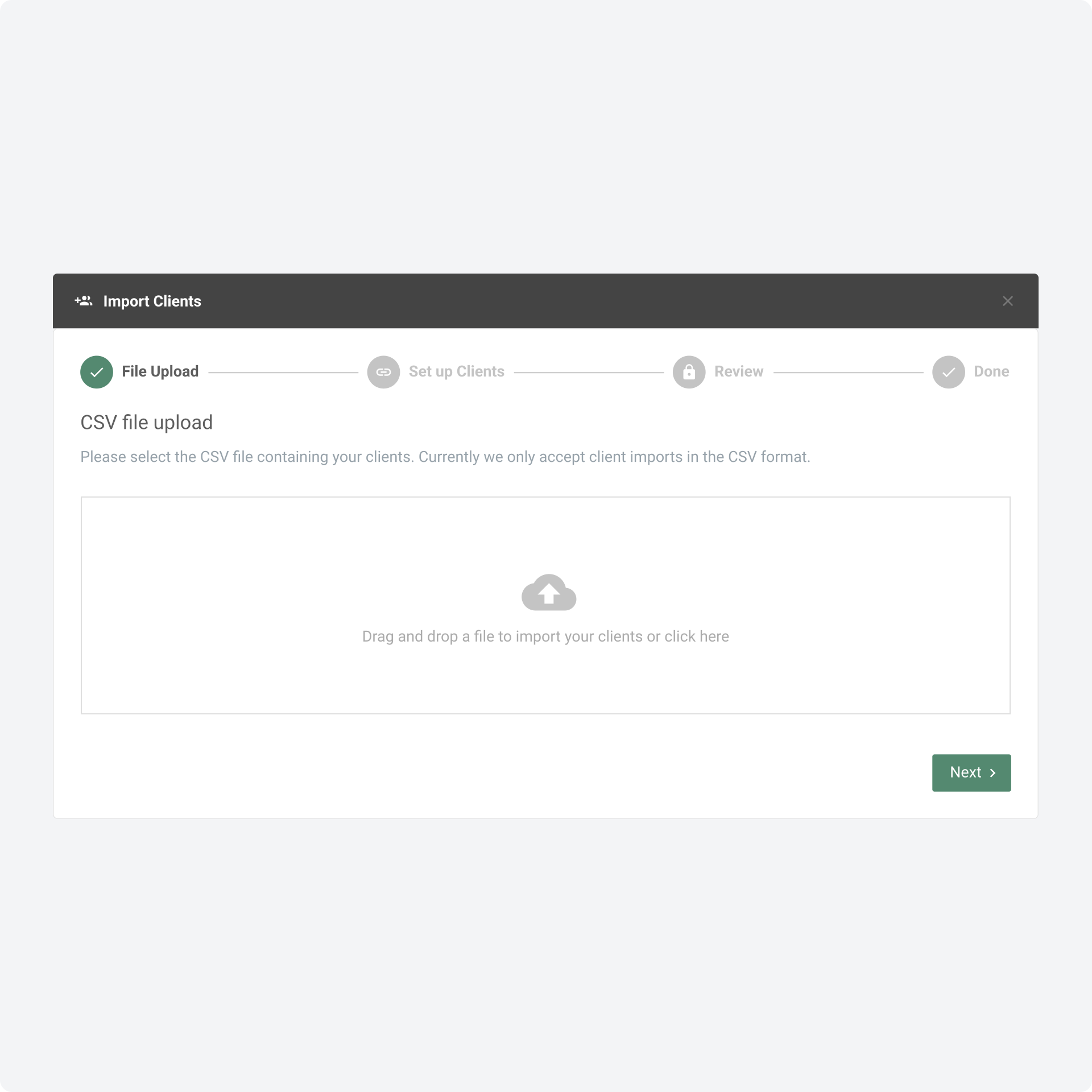
File: At this step the user selects a file to import. The user can either click on an input and select a file to upload, or drag and drop a file into the input. This step was the same for the previous client import functionality.
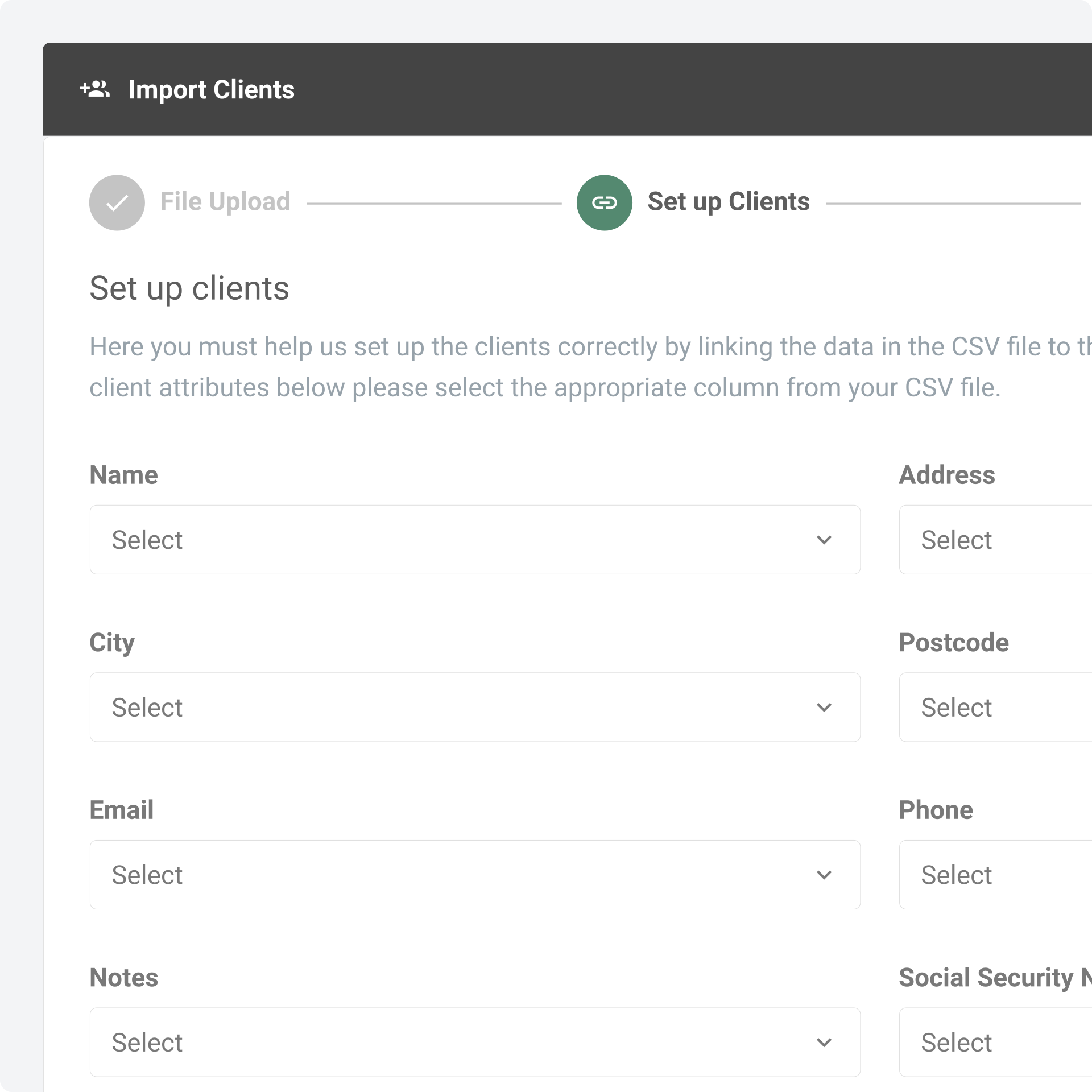
Match: This was a new step which I introduced in the flow, and one that I believe greatly improved it. The user, having uploaded their file, would have a chance to select which columns in their file matched to variables that we stored in our system. This step was newly included as part of the revised approach to the client import functionality.
Review: I believe that this is the most important new addition which I made to the new client import functionality. At this step the user would be given an opportunity to review the matches that they had made in the step before. The intention with this step was to prevent errors before they even occurred. With this review step in place, users were much more likely to recognise any mistakes that they had made in the matching process.
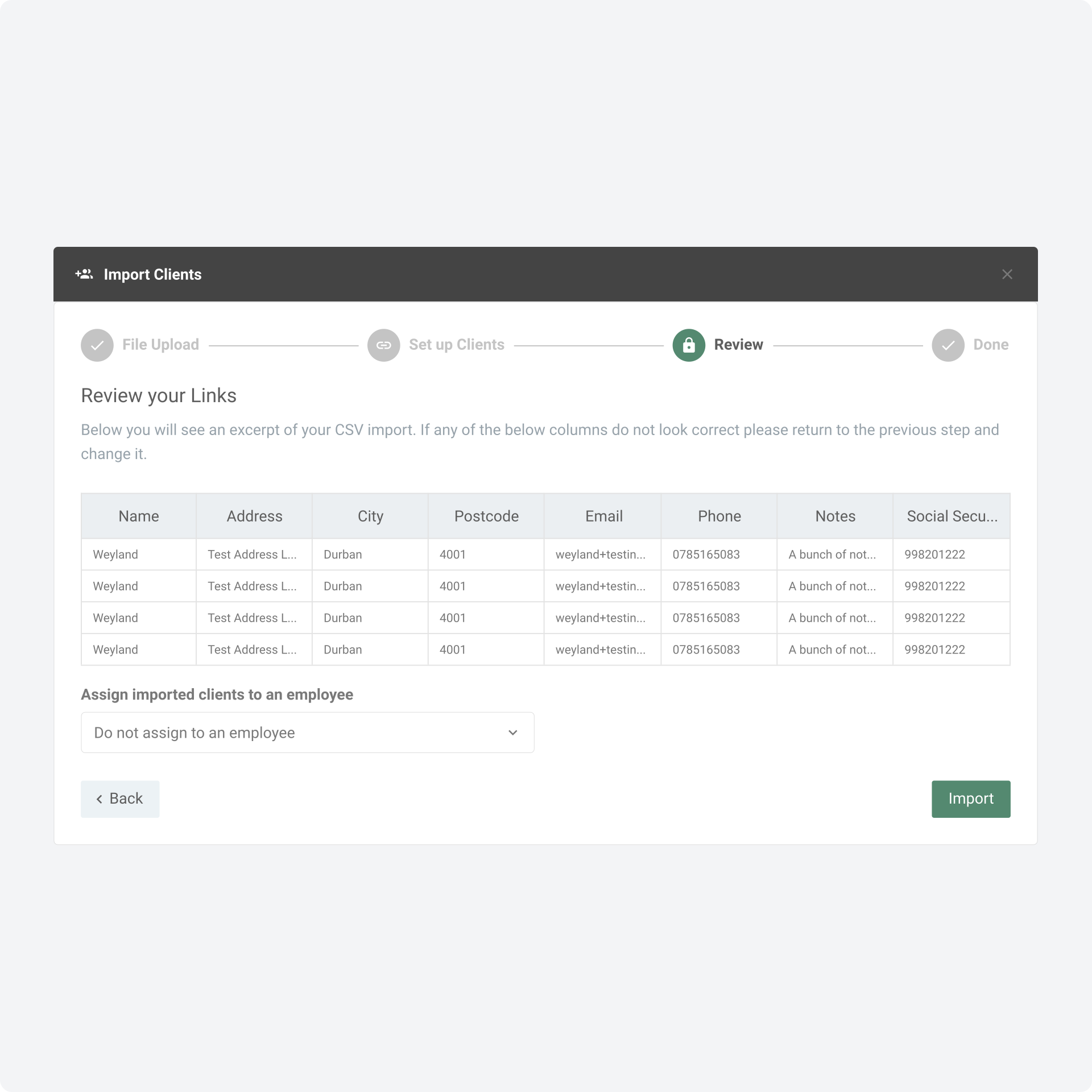
Import: Once the user has validated that the data they are importing matches their intentions, then the data is imported and their clients are created in the system.
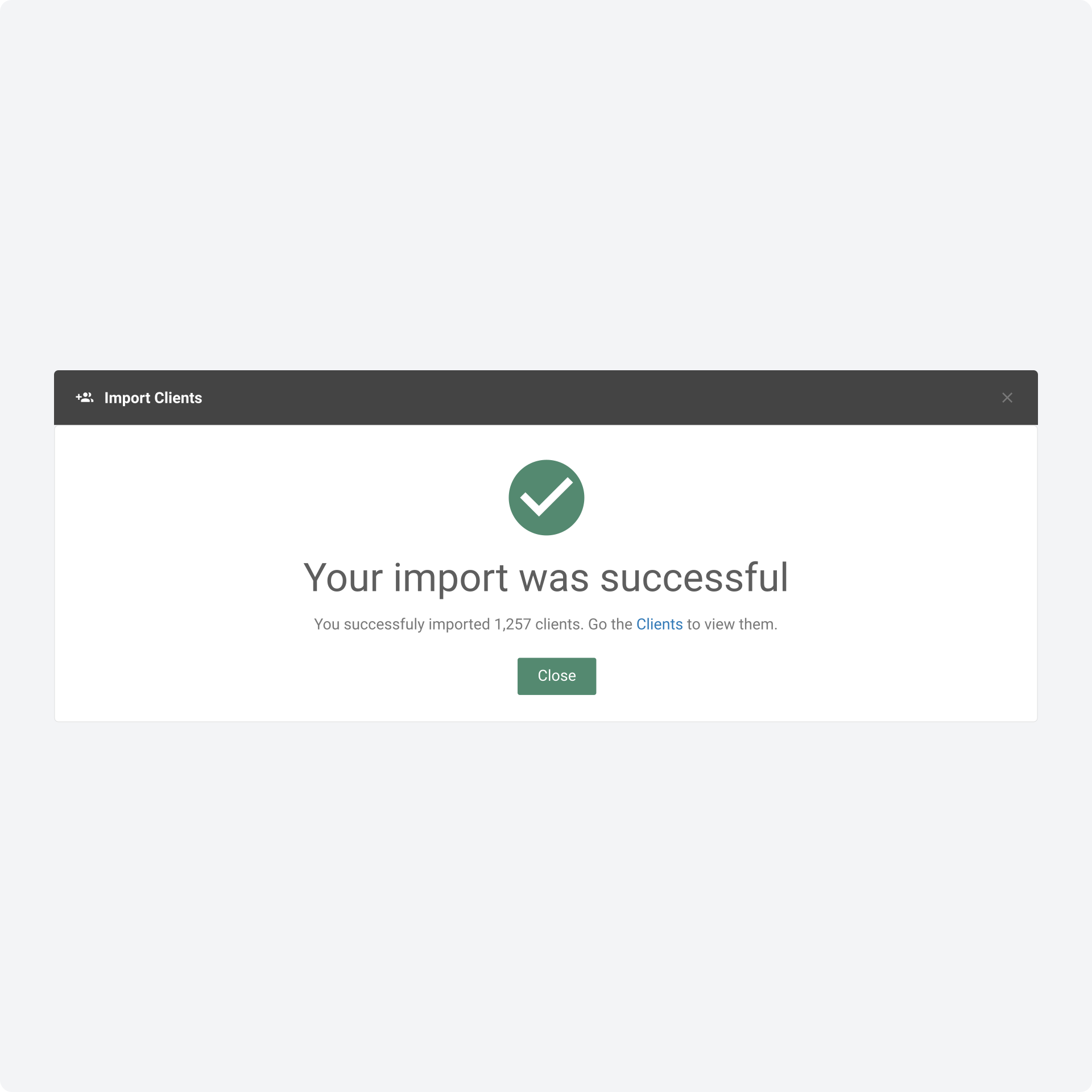
The result of this project is a much more pleasant and system-consistent user experience for importing client data. In the weeks after the feature was deployed we saw clients beginning to carry out their own imports. Some adjacent benefits included customer support and development no longer having to assist users with imports, less friction in onboarding for new users because they were able to better serve themselves, increased quality of user data in the system as a consequence of fewer import errors, and the importing experience in the system generally becoming more cohesive and consistent.
This project was a great opportunity for me to develop components for EasyPractice’s design system, and to make valuable quality-of-life improvements to the system as a whole. It also afforded me the chance to collaborate closely with the customer support and development teams in order to understand the constraints of EasyPractice’s previous import functionality. Valuable considerations for me in this project were to not overcomplicate problems that had uncomplicated solutions, to consider heuristics as a part of my design process, and to work with the EasyPractice design system to produce more consistent work in a shorter time-frame.